Using Docker Compose (Cross-platform Compatibility)
Create the docker-compose.yml file:
yaml
# version: '3.8'

services:
  cordova-builder:
    image: gamesg/cordovabuilder:v2.0.0-rc.5
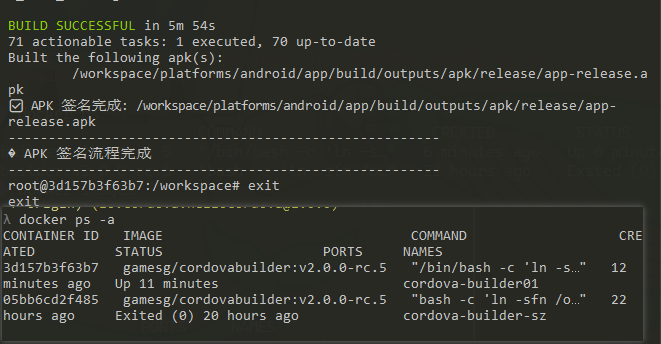
    container_name: cordova-builder01
    user: root
    stdin_open: true
    tty: true
    volumes:
      - ./gradle-caches:/root/.gradle
      - ./:/workspace
    environment:
      KEYSTORE_PATH: /workspace/xx.keystore
      KEY_ALIAS: xx
      KEYSTORE_PASSWORD: password
      KEY_PASSWORD: password
    working_dir: /workspace
    # To initialize the command, uncomment the following:
    # entrypoint: ["/bin/bash", "-c", "ln -sfn /opt/app-env/build-scripts /workspace/build-scripts-short && exec /bin/bash"]
Usage (Universal for All Platforms):
bash
# Verify
docker-compose config

# Startup
docker-compose up -d cordova-builder

# Enter the container
docker-compose exec cordova-builder bash

# Stop
docker-compose down